Protecting your privacy
In the digital age, privacy is key but ever harder to achieve. Privacy Eraser Free aims to help you achieve this by cleaning not just your internet history and downloads, but also wiping drives clean and deleting your files beyond recovery.
Top Recommended Alternative

Clean your computer
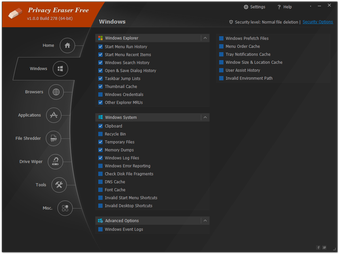
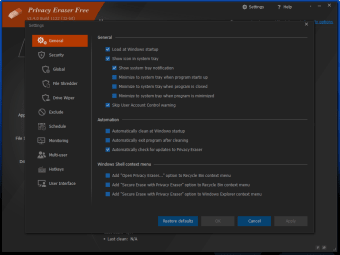
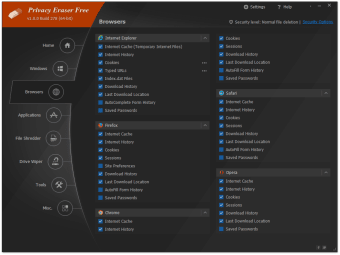
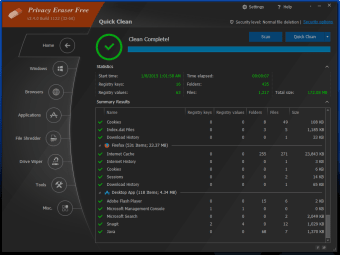
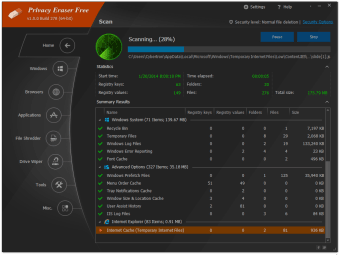
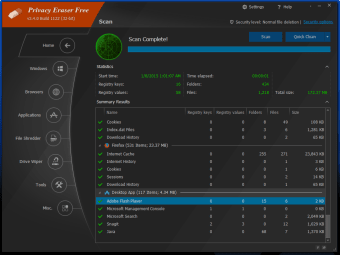
When you chose to clean your computer with Privacy Eraser Free, you can completely customize the content you want to scan and clean (for example, saved passwords, autofill form history and cookies). To help you keep your computer clean, it also offers the ability to schedule a scan, as well as automatically clean Windows when you boot your computer.
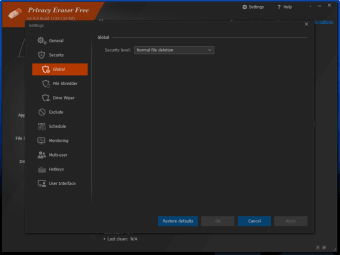
There is also the option to change the level of file detection. Not only can you carry out a scan to the normal level, Privary Eraser Free also enables you to zero fill your computer (which means overwriting the data so no tool can retrieve it – apparently), as well as clean to various US Department of Defense standards. There is also the Peter Gutmann (a computer scientist who devised an algorithm for securely erasing data on hard drives) security level, which is the highest of the lot.
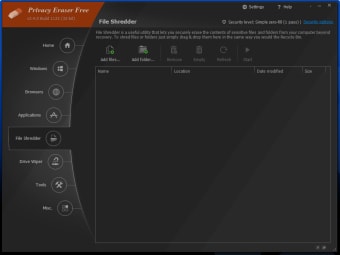
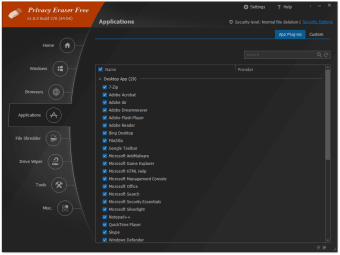
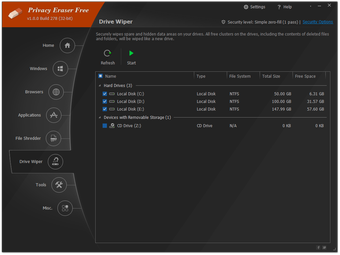
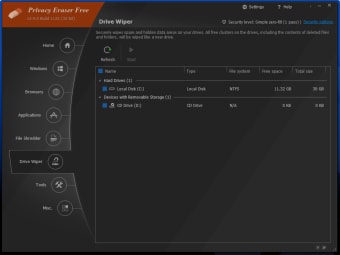
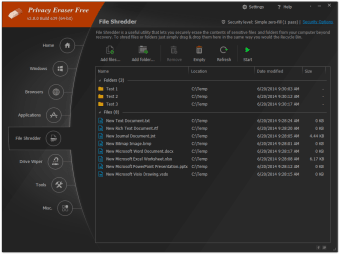
Privacy Eraser Free not only scans your browsing history (with support for most major browsers), it also cleans desktop apps, Windows files, and system options (for example, temporary files, DNS cache, Start Menu Run History). There is also a File Shredder option that promises to erase the contents of files and folders so that they can’t be recovered again, and a Drive Wiper feature that gets rid of any spare and hidden data on your drive. Kind of like a reset option on a mobile phone.
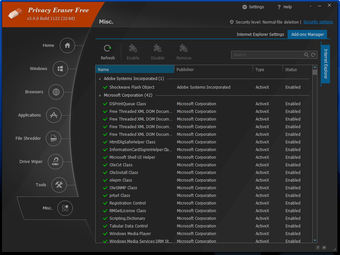
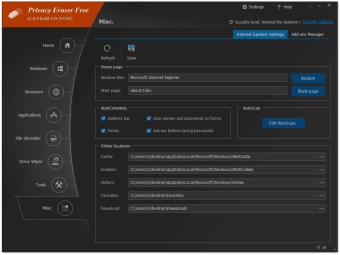
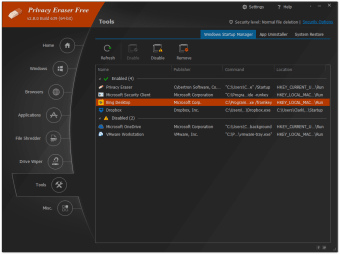
Then there is also the ability to enable, disable and remove add-ons, change Internet Explorer settings, add different user accounts to check, uninstall your apps, change which programs start up when you boot your computer, and restore your computer to a certain point before cleaning. It’s quite a long list of useful features!
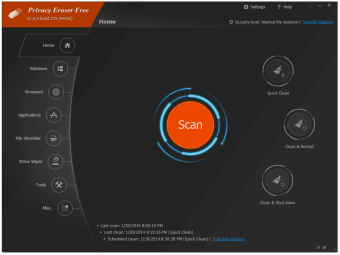
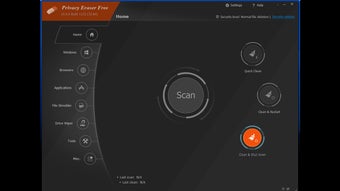
When cleaning the content, you can chose to clean, restart, or shut down afterwards. All of these options are clearly marked on the homescreen where you’ll also find the information about when you last scanned and cleaned your computer.
Simple and speedy
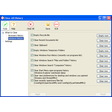
Privacy Eraser Free boasts a sleek user interface that is both clean and clear with well-organized menus. It makes erasing your internet history and cleaning your computer both quick and easy.
The length of time it takes to carry out a scan will depend on how much you’ve asked the program to check but, when testing, it was very speedy and took only a matter of seconds. Cleaning the content identified by Privacy Eraser Free was equally quick.
Erase your history
While it’s difficult not to leave some kind of digital footprint these days, Privacy Eraser Free’s comprehensive features can help you feel more at ease when browsing the web, as well as boosting the speed of your computer and freeing up space by deleting unnecessary and unwanted content. Feature rich and easy to use, Privacy Eraser Free is a force to be reckoned with in the computer cleaning program arena.